Showing posts with label Digital. Show all posts

Wednesday, 2 May 2012

Experimentation - Aged Photographs

 I experimented in photoshop to see how I could age some digital photographs that I have taken. I used different layering and blending modes to achieve this look.
Aged Effect:
1: -Open File
- Filter > blur & >surface blur
- Image > adjustments > gradient map (brown > white)
- Image > adjustments > levels (0,0.80,255)
- Image > adjustments > curves ( custom - OP 255, IP 245)
- Image > adjustment > photo filter ( colour - warm yellow, density 30)

2: - Find centre of composition create round selection using elliptical tool
- Select > modify feature selection (80-100)
- Select > inverse
- Filter > blur > lens Blur ( more accurate, Triangle, 10,30,0,0,255,4, uniform, monochromatic)
- Filter > noise > add noise ( 3%, gaussian, monochromatic)

3: Duplicate Background
- Apply grainfilter (12,17, sprinkle)
- Apply overlay blending mode (opacity 50%)
- Add inner glow (screen, 100%,0%, softer edge, 0,250,range 70)
- deselect

4: New layer - scratches
- Multiply blending mode ( opacity 75%, fill till happy with outcome)
- Merge layers

5: new layer - paper texture
- Change blending mode and opacity
Original

Outcome
Original

Outcome
Original

Outcome
Original

Outcome
Original
Outcome

Original
Outcome 


Sunday, 22 January 2012

Portraits

Digital Portraits

I experimented with using studio lighting to achieve some portraiture photos. I only took close ups of the face to make the images look more dramatic. Once I had taken them I edited them in Photoshop by desaturating them and changing the contrast.


Candles

 Candles 
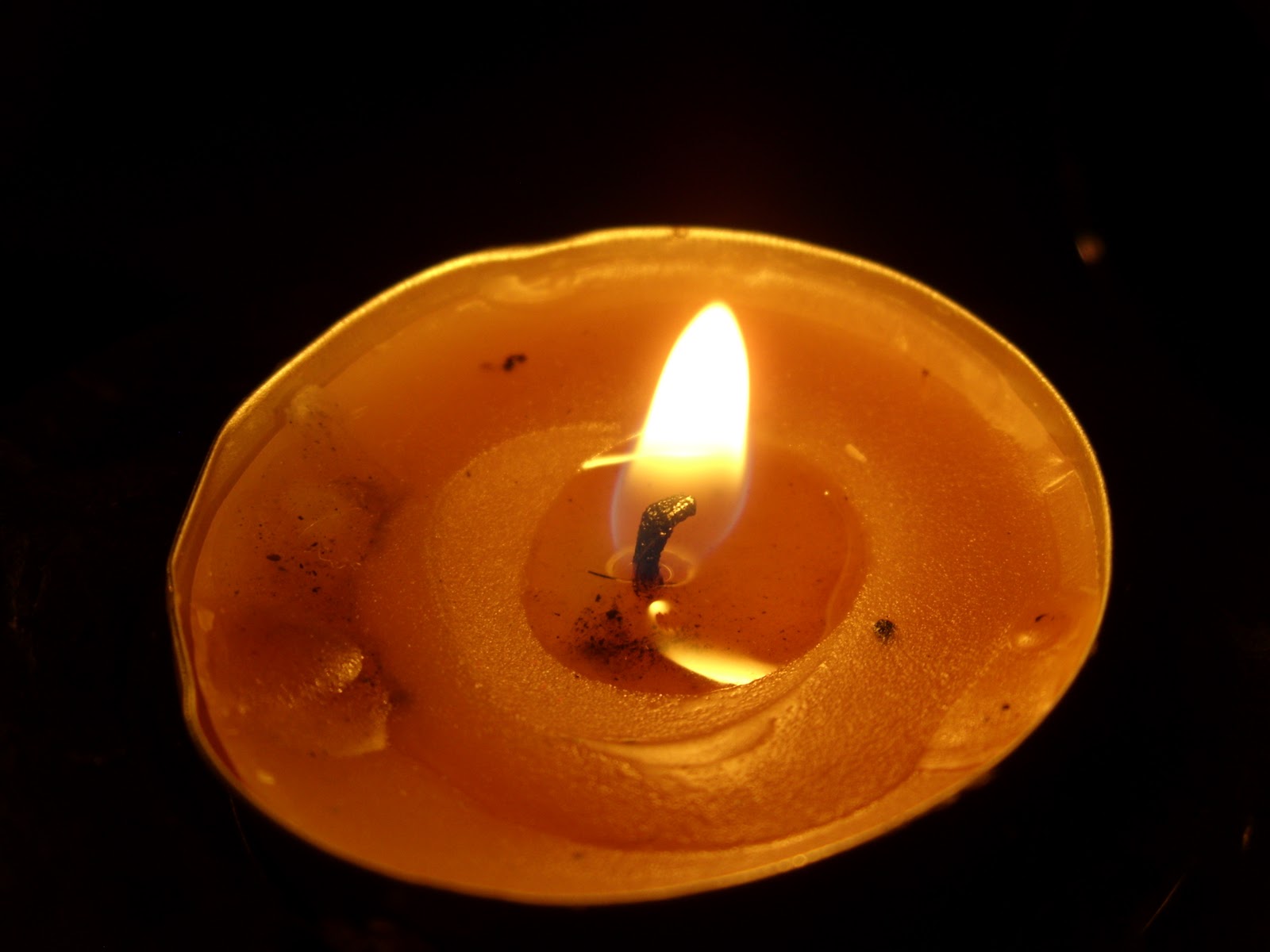
I took some images of candles to show synthetic forms of light. I used my 14 mega pixel Fujifilm JX530 digital camera to take these pictures. I Then edited some of them in Photoshop by Overlaying as a new layer some light drawings and coloured filters. 


I edited this image in Photoshop by adding a new layer of coloured light over the original image. I change the layer mode to screen so that the colours came out vibrant but without distracting away from the main image.
In Photoshop I opened the candle image and a light drawing image. I put the light drawing as a new layer on top of the candle image.  I changed the layer mode so that you could see both the candle and the light drawing. 


Thursday, 5 January 2012

Sparklers

Christmas

I used my digital camera to take pictures of sparklers. I set my camera on the firework setting as it has a slow shutter speed. The firework setting only has a shutter of about 3 seconds which meant I didn't have enough time to draw anything specific other than circles.
This was the first image I took. I was experimenting with the different settings on the camera  to see what the different outcomes were. I set my camera to the firework setting so that it had a slow shutter speed.

As it was set on the firework setting this meant that the shutter could stay open for longer. By moving the sparker around these are the different outcomes I produced.


This is my favourite image because the light flares fill the whole composition space.


Wednesday, 14 December 2011

Digital light Paintings

Digital Light Paintings

The light paintings below were created by using my 14 mega pixel Fujifilm JX530 digital camera. I had it on the Night Tripod setting which allowed a maximum shutter speed of 5 seconds. This meant that the drawings had to be simple shapes as they had to be quickly drawn. I experimented with using a torch to created the different shapes. I then went onto using two torches and placing pieces of tissue paper over the light so that it created different colours. 


The image below was edited in Photoshop. the first photo I took was the halo shot, and the second was one wing. To make sure that the wings were the same I only took one picture then loaded them into Photoshop and duplicated the wing image so that I had two, I then flipped it and selected the overlay mode so that they were both visible. I set the mode of the halo image to overlay as well so that the final image looked like an angel.

These were created by setting my digital camera to night(tripod). Using this setting it allows me to take an image with a slow shutter speed. I put my camera on a tripod, turned off all the lights in the room, pressed the shutter and drew the image. It was hard to draw actual pictures using the digital camera as I didn't have long to draw an image because the shutter exposure was too short and could not be adjusted any further.


Wednesday, 7 December 2011

Still Life Digital Photography

Digital Photography


This is a print I like the least because i think that the composition itself is weak in the sense that there is not much lighting on the objects and does not fully relate to the theme of light. 


This is one of my favourite compositions. The angle of the light creates dark shadows and reflective light  off of the objects. 


This is another one of my favourite compositions because I like the way the objects all link together.  The surfaces of the taps and the anchor are so different that they work well together, Its a comparison between old and new. 

These are some of the images that I took experimenting with the theme of light. I changed the position of the lighting on the different objects to create areas of light and dark through the shadows. I used my digital camera take these still life shots. I changed the arrangement of the objects to create different interesting compositions using the same objects.